
After thorough testing and research, we’ve compiled the definitive list of must-have apps for traveling in Seoul in 2026. These apps will help you navigate the subway, translate Korean menus, hail taxis safely, find the best restaurants, and make the most of your Seoul trip. Download them before you board your flight — you’ll thank us later.
Navigation Apps: Finding Your Way Around Seoul
Navigation is where Seoul differs most from other travel destinations. Google Maps works for basic orientation, but it cannot provide driving directions, accurate walking routes, or reliable transit information in South Korea. Here’s what you need instead.
Naver Map — The #1 Must-Have App
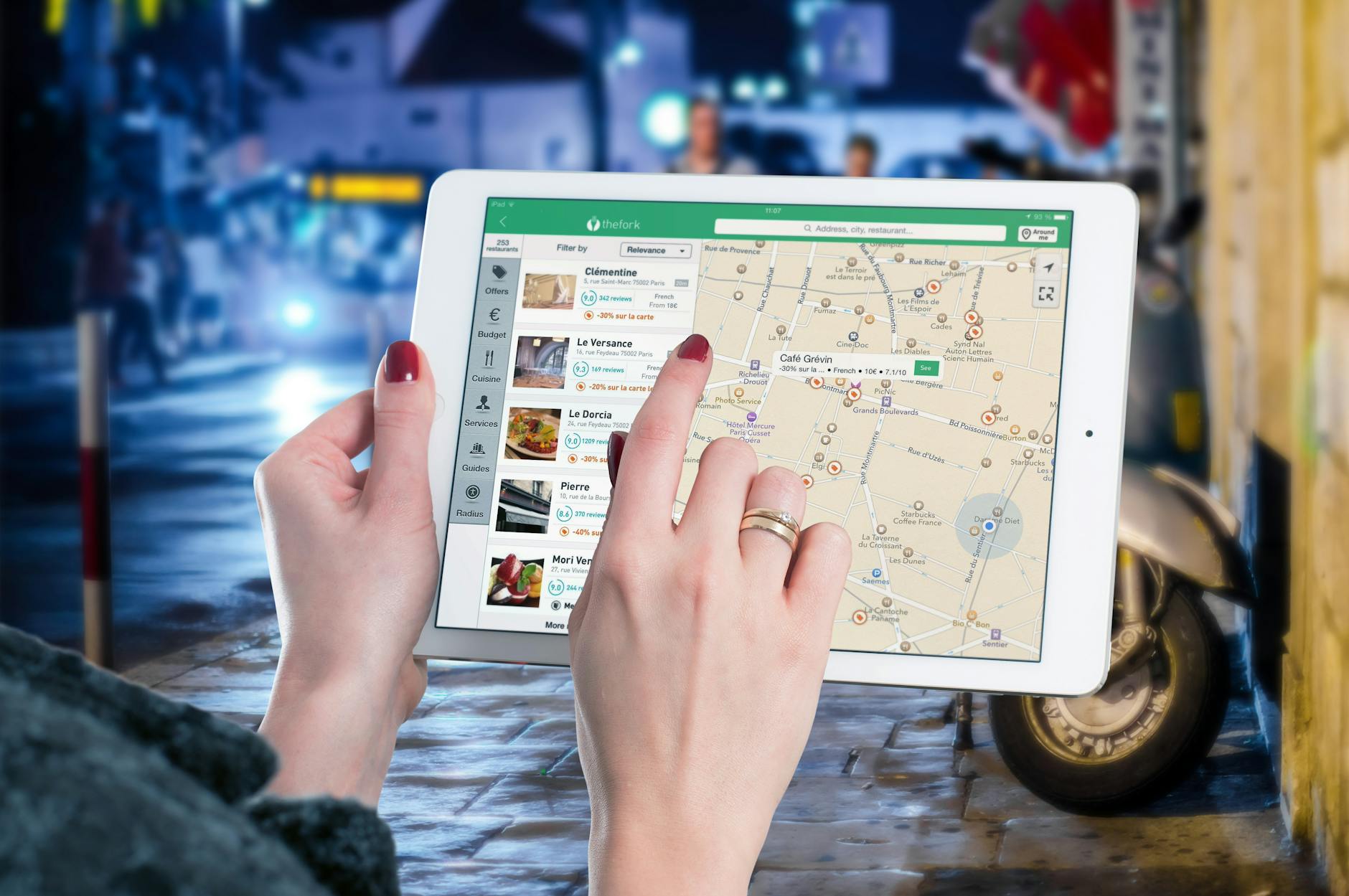
What it does: Naver Map is South Korea’s dominant navigation app, providing accurate walking directions, real-time transit routes, and detailed location information that Google Maps simply cannot match in Korea.
Why you need it: Naver Map has full English language support and provides highly accurate data for Seoul’s complex subway system, bus routes, and walking paths. It shows subway exit numbers (crucial for finding your destination efficiently), estimated transfer times, and even which subway car to board for the shortest walk to your exit.
Key features for tourists:
- Turn-by-turn walking navigation with English interface
- Real-time bus and subway arrival times
- Indoor maps for major malls and subway stations
- Restaurant reviews and photos (mostly in Korean, but photos are universally helpful)
- Street View equivalent for previewing destinations
Pro tip: Search in English or copy-paste Korean addresses directly. The app handles both languages seamlessly. Save your hotel and key destinations as favorites before heading out each day.
KakaoMap — The Essential Backup
What it does: KakaoMap is Korea’s second major navigation app, offering similar functionality to Naver Map with a slightly different interface and database.
Why you need it: Some locations appear on KakaoMap but not Naver Map, and vice versa. Having both apps ensures you can always find your destination. KakaoMap also integrates with KakaoTalk (Korea’s universal messaging app) for easy location sharing.
When to use over Naver Map: KakaoMap tends to be better for locations outside Seoul (Jeju, Busan, rural areas) and has stronger integration with other Kakao services. If you’re planning day trips, this is invaluable. See our getting around Seoul guide for more transportation tips.
Public Transportation Apps
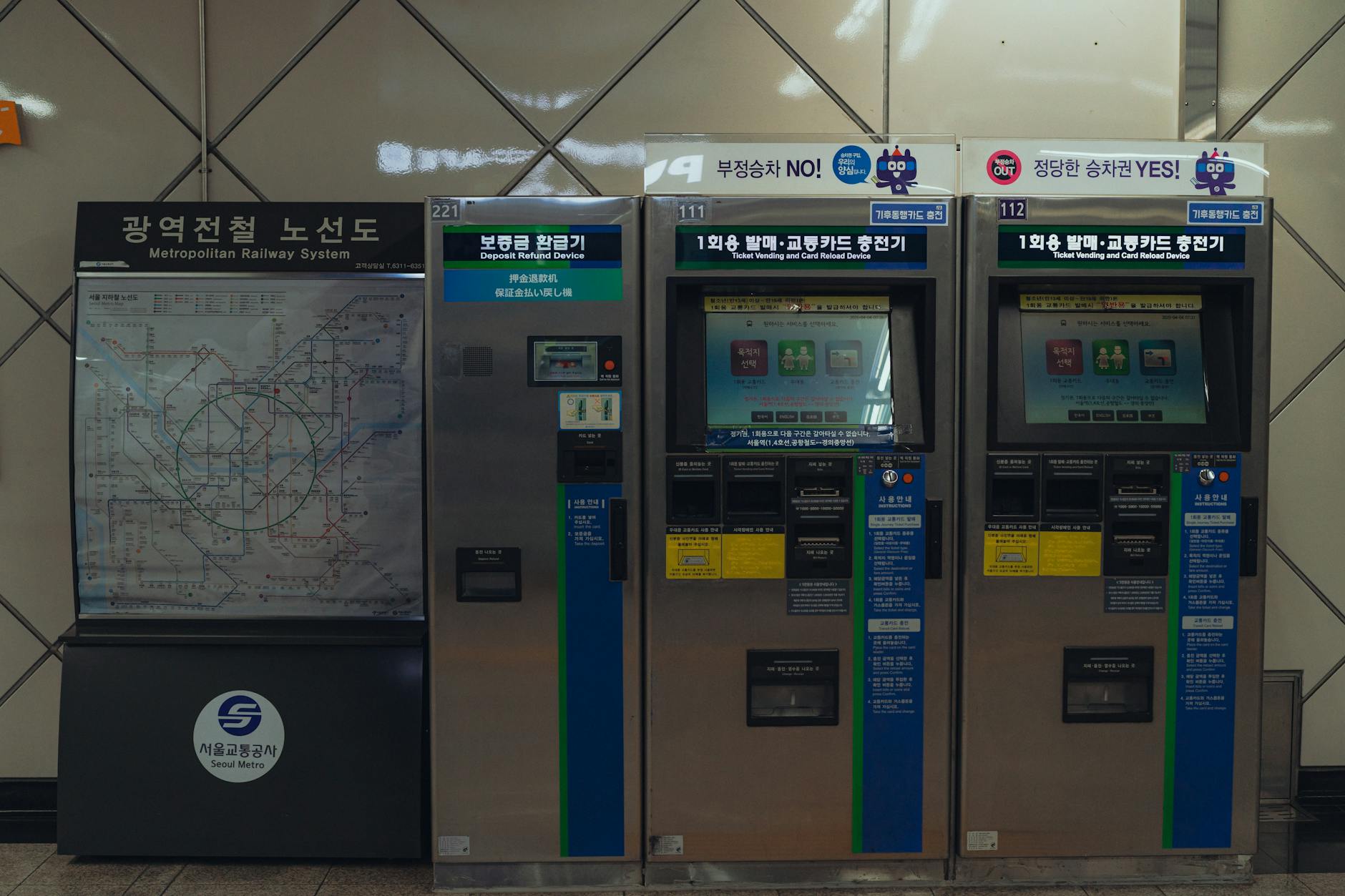
Subway Korea — Master the Metro
What it does: A dedicated subway navigation app that provides route planning, real-time schedules, transfer information, and fare calculations for Seoul’s extensive metro system.
Why you need it: While Naver Map handles subway routing, Subway Korea offers a more detailed, subway-specific experience. It shows you exactly which car to board for the quickest transfer, the estimated time for each segment, and the total fare. The visual route map is cleaner and easier to read than general navigation apps.
Key features:
- Calculates fastest route, fewest transfers, and lowest cost options
- Shows first and last train times for every station
- Displays subway car positions for optimal transfers
- Real-time arrival and departure information
- Available in English, Chinese, and Japanese
KORAIL+ (formerly Korail Talk) — For Train Travel Beyond Seoul
What it does: The official app for Korea Railroad (Korail), allowing you to book and manage KTX (high-speed train) and regular train tickets throughout South Korea.
Why you need it: If you’re planning day trips to Busan, Gyeongju, or other cities, KORAIL+, which replaced Korail Talk in August 2026, lets you book tickets in advance without visiting a station counter. If the app declines your card, KORAIL’s English website takes overseas credit cards. Tickets can be shown on your phone — no printing required.
Taxi and Ride-Hailing Apps

Kakao T — Safe, Trackable Taxis
What it does: Korea’s dominant ride-hailing app that connects you with licensed taxis. Think of it as Korea’s equivalent of Uber (which has limited presence in Seoul).
Why you need it: Kakao T is the safest way to take taxis in Seoul. Before your ride arrives, you see the driver’s name, photo, vehicle type, and license plate. The route is logged and tracked, and you can share your ride status with contacts. This is particularly valuable for safety-conscious travelers and those who don’t speak Korean.
How to set up: Download the app, register with your phone number (international numbers work), and add a payment method. You can enter destinations in English, and the app communicates with the driver in Korean on your behalf.

k.ride — For International Visitors
What it does: A mobility service designed specifically for international visitors, offering sedans, vans, and premium vehicles with built-in automatic translators.
Why you need it: k.ride accepts overseas credit cards more reliably than Kakao T, and vehicles come equipped with automatic translators supporting over 100 languages. You can check estimated routes and fares before booking, making it ideal for airport transfers and longer trips.
Translation and Language Apps

Papago — The Best Korean Translator
What it does: Naver’s translation app supporting text, voice, image, and conversation translation between Korean and multiple languages.
Why you need it: Papago is significantly more accurate for Korean-English translation than Google Translate. While Google Translate has improved, Papago consistently handles Korean grammar, nuance, and colloquial expressions better — which matters when you’re trying to understand a restaurant menu or communicate with a local.
Best features for tourists:
- Camera translation: Point your phone camera at Korean text (menus, signs, subway maps) for instant translation
- Conversation mode: Real-time voice translation for face-to-face conversations
- Offline mode: Download the Korean language pack for translation without internet
- Phrase book: Pre-loaded travel phrases organized by situation (restaurant, hotel, shopping, emergency)
Google Translate — The Reliable Backup
What it does: Google’s translation app supports text, voice, camera, and handwriting translation for Korean.
Why you still need it: While Papago wins for Korean accuracy, Google Translate supports more language pairs if Korean isn’t being translated to English. It also offers a useful conversation mode and offline translation capabilities. Having both apps ensures you’re covered in any situation.
Food and Restaurant Apps
MangoPlate — Korea’s Restaurant Bible
What it does: South Korea’s most trusted restaurant review platform, combining professional reviews with user ratings for restaurants across Seoul.
Why you need it: While Google Maps restaurant reviews exist in Seoul, MangoPlate has far more comprehensive coverage of Korean restaurants. The app has an English interface and shows ratings, photos, menus, prices, and directions. Filter by cuisine type, neighborhood, or budget to find exactly what you’re craving. It’s essential for exploring Seoul’s incredible food scene.
Catchtable — Restaurant Reservations
What it does: Korea’s premier restaurant reservation platform, letting you book tables at popular restaurants, check real-time queue status, and read reviews.
Why you need it: Seoul’s most popular restaurants often have long waits, especially on weekends. Catchtable lets you reserve ahead or join a virtual queue, saving you from standing in line. The app shows wait times and estimated seating, so you can plan your meals efficiently.
Baemin (배달의민족) — Food Delivery
What it does: Korea’s largest food delivery platform, offering delivery from thousands of restaurants directly to your accommodation.
Why you need it: After a long day of exploring, ordering delivery to your hotel or Airbnb is a beloved Korean tradition. Baemin has an English interface option and accepts international credit cards. Delivery is remarkably fast (usually 20-40 minutes) and affordable. It’s also a great way to try Korean food that might be intimidating to order in person.
Payment and Shopping Apps


WOWPASS — Tourist-Friendly Payments
What it does: A prepaid card and app designed specifically for international tourists, combining currency exchange, contactless payments, and T-money transit card functionality.
Why you need it: WOWPASS solves multiple problems at once. Load it with Korean won at competitive exchange rates from airport kiosks or convenience stores, then use it for subway rides (works as a T-money card), shop payments, and restaurant bills. The app tracks your balance and transaction history, and you avoid foreign transaction fees that credit cards charge.
Coupang — Korea’s Amazon
What it does: South Korea’s largest e-commerce platform offering same-day and next-day delivery on millions of products.
Why you need it: Forgot an adapter? Need a rain poncho urgently? Coupang’s “Rocket Delivery” can get items to your accommodation incredibly fast — sometimes within hours. The app has English support, and many items can be delivered to convenience stores for pickup if your accommodation doesn’t accept packages. It’s also useful for comparing prices before buying souvenirs at Seoul’s shopping districts.
Communication Apps
KakaoTalk — Korea’s WhatsApp
What it does: Korea’s universal messaging app, used by virtually every Korean citizen for personal and business communication.
Why you need it: KakaoTalk isn’t just for chatting — it’s integrated into Korean daily life. Many small businesses, guesthouses, and tour operators use KakaoTalk as their primary communication channel. If you need to contact your accommodation, arrange a tour, or communicate with a Korean friend, KakaoTalk is the way to do it. It also supports free international calls and location sharing.
Tourism and Experience Apps
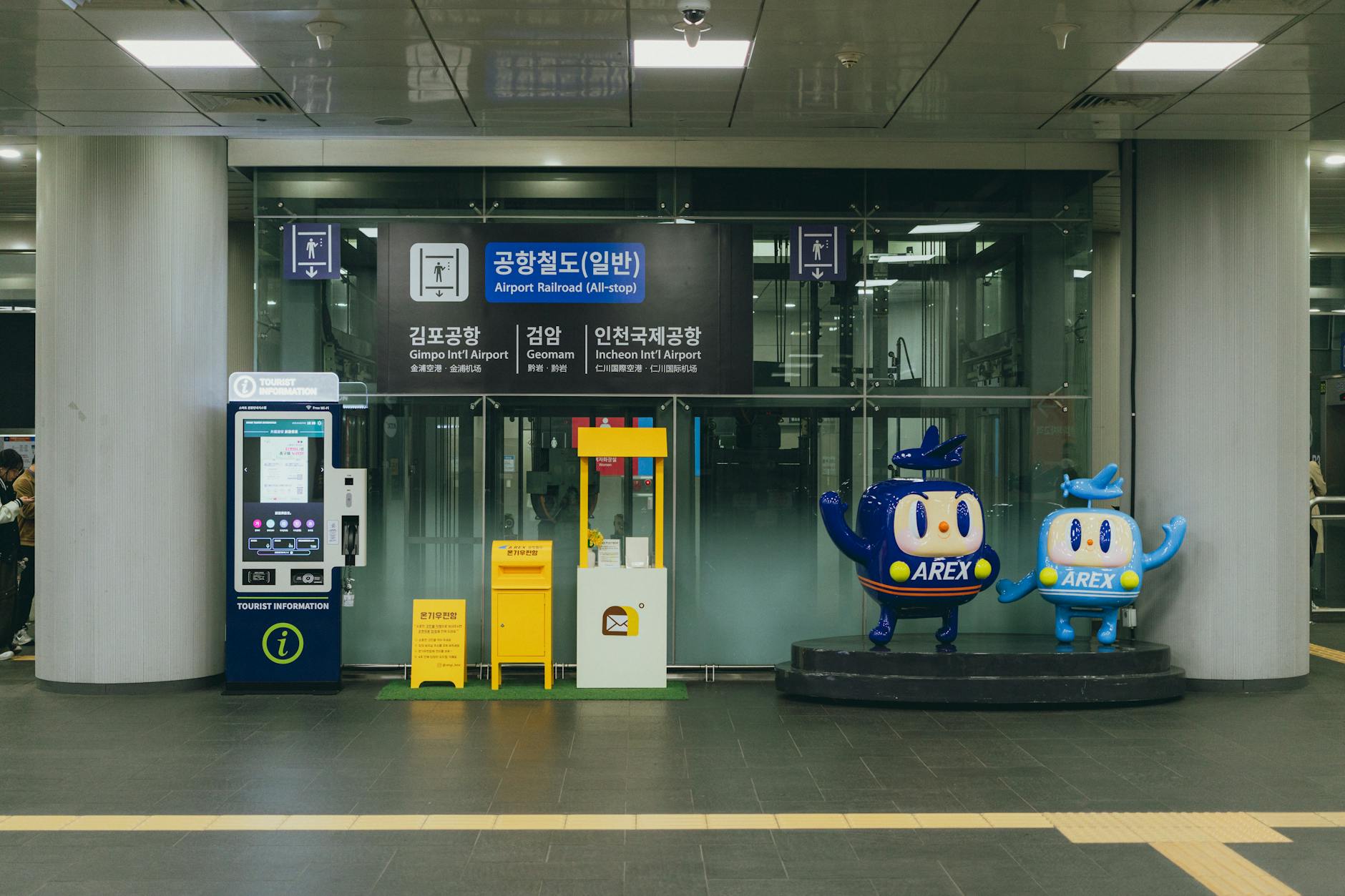
Visit Seoul — Official Tourism App
What it does: The official tourism app from the Seoul Metropolitan Government, providing comprehensive information about attractions, events, accommodations, and dining.
Why you need it: Visit Seoul is excellent for discovering events, festivals, and seasonal activities happening during your visit. It provides curated walking tours, up-to-date information on opening hours and admission fees, and hidden gems that aren’t in mainstream guidebooks. Check our festivals and events guide for seasonal highlights.
Klook — Discounted Experiences
What it does: An experience booking platform offering tickets for attractions, tours, and activities at discounted prices.
Why you need it: Klook consistently offers 30-50% discounts on popular Seoul attractions, including palace entries, DMZ tours, cooking classes, K-pop experiences, and hanbok rentals. Booking through Klook often means skip-the-line access, and mobile tickets eliminate the need to print anything.
Safety and Emergency Apps
Emergency Ready App (안전디딤돌)
What it does: The Korean government’s official emergency app providing real-time disaster alerts, nearby shelter locations, and emergency procedures.
Why you need it: This app sends multilingual push notifications for typhoons, earthquakes, heavy rain warnings, and fine dust alerts. It also shows the location of the nearest emergency shelters and hospitals. While Seoul is extremely safe, having this app provides peace of mind.

AirKorea / Misemeonji — Air Quality
What it does: Real-time air quality monitoring apps showing fine dust (PM2.5 and PM10) levels across Seoul and Korea.
Why you need it: Fine dust can be a health concern in Seoul, particularly from March to May. These apps give hourly updates and forecasts, helping you plan outdoor activities on clear days and know when to wear a KF94 mask. Dust season is one of the trade-offs worth weighing before you lock in dates — our best time to visit Seoul guide sets it against cherry blossom timing, the July monsoon, and autumn’s clear skies, month by month. Check air quality each morning before planning your day’s activities.
Bonus: T-Lockers App — Luggage Storage
Coin lockers are available at every subway station and major train stations in Seoul. The T-Lockers app or website lets you check availability and sizes before arriving. Locker fees range from ₩3,100 for small lockers to ₩6,100 for XL sizes for a 4-hour base period, with additional charges per extra hour. This is perfect for storing bags while you explore, especially on arrival or departure days.
Quick-Reference App Download Checklist
Download these apps before your flight to Seoul:
- ☑️ Naver Map — Primary navigation (replace Google Maps)
- ☑️ KakaoMap — Backup navigation + Kakao ecosystem
- ☑️ Subway Korea — Detailed subway routing
- ☑️ Kakao T — Safe taxi hailing
- ☑️ Papago — Korean translation (camera, voice, text)
- ☑️ KakaoTalk — Communication with locals and businesses
- ☑️ MangoPlate — Restaurant discovery and reviews
- ☑️ Catchtable — Restaurant reservations
- ☑️ Visit Seoul — Events and attractions
- ☑️ Emergency Ready — Safety alerts and shelters
Frequently Asked Questions About Seoul Travel Apps
Does Google Maps work in Seoul?
Google Maps works for basic orientation and finding major landmarks, but it cannot provide driving directions, accurate walking routes, or reliable public transit information in South Korea. This is due to Korean government restrictions on sharing mapping data with foreign servers. Use Naver Map or KakaoMap instead for navigation.
Do I need a Korean phone number for these apps?
Most apps work without a Korean phone number. Naver Map, Papago, Subway Korea, and Visit Seoul require no registration. Kakao T and KakaoTalk can be set up with international numbers. For apps requiring a Korean number, consider getting a Korean SIM card or eSIM at Incheon Airport.
Will these apps work offline?
Some apps offer limited offline functionality. Papago and Google Translate allow offline translation if you download language packs beforehand. Subway Korea’s route maps work offline. However, most navigation and real-time apps require an internet connection. We strongly recommend getting a Korean SIM card, eSIM, or portable Wi-Fi at the airport.
Is free Wi-Fi available in Seoul?
Seoul has extensive free public Wi-Fi (“Seoul Free WiFi” or “KT_Free_WiFi”) in subway stations, buses, major tourist areas, and public spaces. However, the connection can be spotty, so having mobile data is recommended for reliable app usage.
What about Uber in Seoul?
Uber has limited presence in Seoul. While the app works, available vehicles are mostly premium “Uber Black” options that cost significantly more than regular taxis. Kakao T is the local equivalent and provides much better coverage, pricing, and reliability.

With the right apps on your phone, Seoul transforms from a potentially confusing foreign city into one of the most navigable destinations in Asia. The combination of Naver Map for navigation, Papago for translation, Kakao T for taxis, and the various food and tourism apps means you can travel confidently even without speaking a word of Korean. Take 15 minutes before your trip to download and set up these apps — it’s the single best preparation you can do for your Seoul adventure.